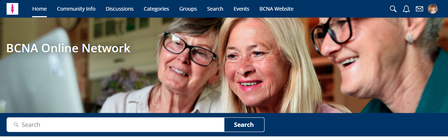
Hello Online Network members, Just a quick reminder that tomorrow morning when you login to the Online Network you will notice an updated look and feel. Please make your way around the forum and exp...
Welcome to BCNA’s Online Network. The same network you know and love, but now even better and with a single login for our digital tools.
Online Network has been designed around your needs, based u...
✨ Are you ready to become a part of the heart and soul behind our wonderful online community supporting people through breast cancer?
We’re inviting passionate community members to step into a Foru...
BCNA requires consent to make changes to your account via email, and depending on your change preferences, should include the following:
👉 Change your account details - email or username
If y...
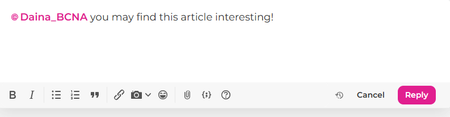
One great way to engage with others is by tagging them in your posts or comments. Tagging helps notify someone that you’re talking to them or mentioning them in a conversation.
What does “Tagging” ...
With October being Breast Cancer Awareness Month, we wanted to take this Wednesday Wellness to share a little more about Breast Cancer Network Australia's campaigns, our vision, and some of the ways ...


 573Views
 68Comments