Blog Post
Deanne
11 years agoMember
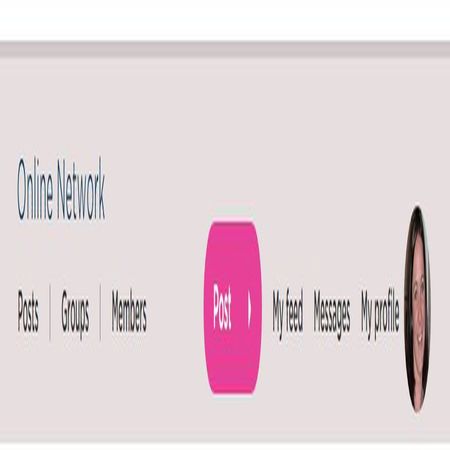
Yes. I have logged on time and time again but have never found this navigation bar. The only time I see the pink 'post' is when I open up a post and it is then up in the top right hand side above the post I have opened. I also do not have any new messages coming into my 'messages'. If I click on my profile photo (Which has a drop down box with lots of things like my profile and messages etc) then I get a bar saying 'posts' on the left and then the pink 'post' on the right. The pink 'post' has a drop down box which allows me to select my blog or a group to put my post.
Related Content
Welcome to BCNA’s Online Network. The same network you know and love, but now even better and with a single login for our digital tools.
Online Network has been designed around your needs, based u...
11 months ago2.4KViews
7likes
68Comments
One great way to engage with others is by tagging them in your posts or comments. Tagging helps notify someone that you’re talking to them or mentioning them in a conversation.
What does “Tagging” ...
5 months ago61Views
3likes
0Comments
Please note that BCNA’s Online Network will not be moderated on the public holiday, Monday 26 January 2026, as the BCNA Helpline will be closed. During this time, please ensure you are familiar with ...
1 month ago30Views
3likes
0Comments
We’d like to extend our heartfelt thanks to Catherine for her generous and courageous decision to share her story with our community. By opening up about her experience and the role the Online Networ...
12 days ago47Views
2likes
0Comments
We’re thrilled to let you know that we are launching a
new-look Online Network platform that will be easier-to-navigate and enhance
your experience with us, while still allowing you to connec...
1 year ago287Views
10likes
3Comments